

Email Setup for your Iphone
Setting up the email on your Iphone is pretty straight forward. Just click add an account under your email settings, and pick outlook.com, then sign in with your email address and password. For Step by Step instructions click on Read More.
Setting up the email on your Iphone is pretty straight forward. Just click add an account under your email settings, and pick outlook.com, then sign in with your email address and password. Belowe is a step by step walk through.
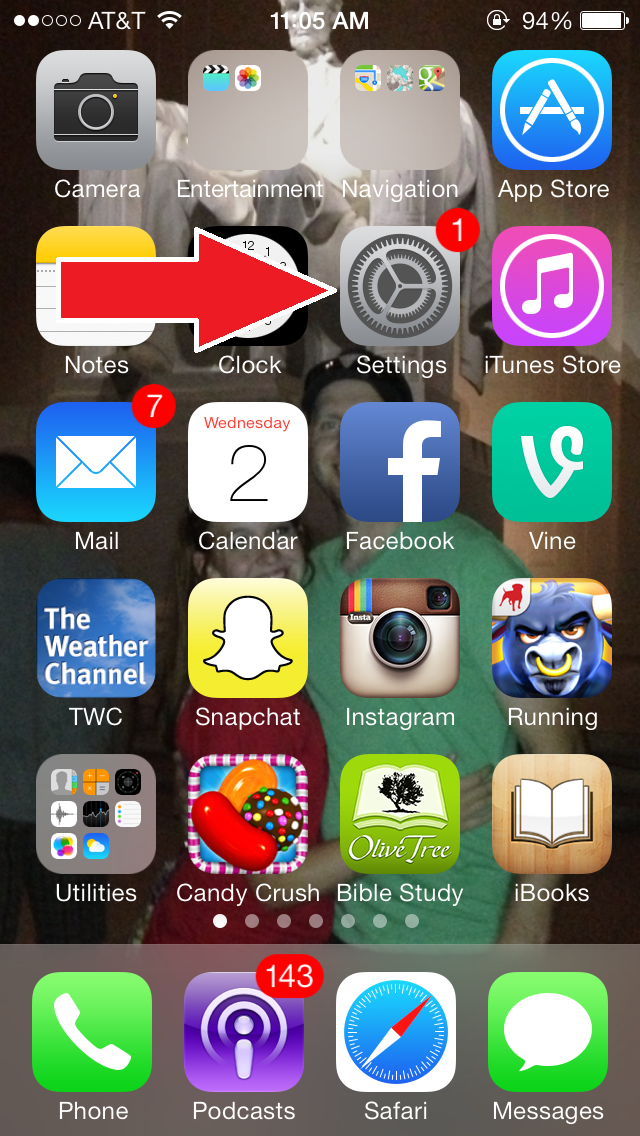
Click on the "Settings" app on your phone
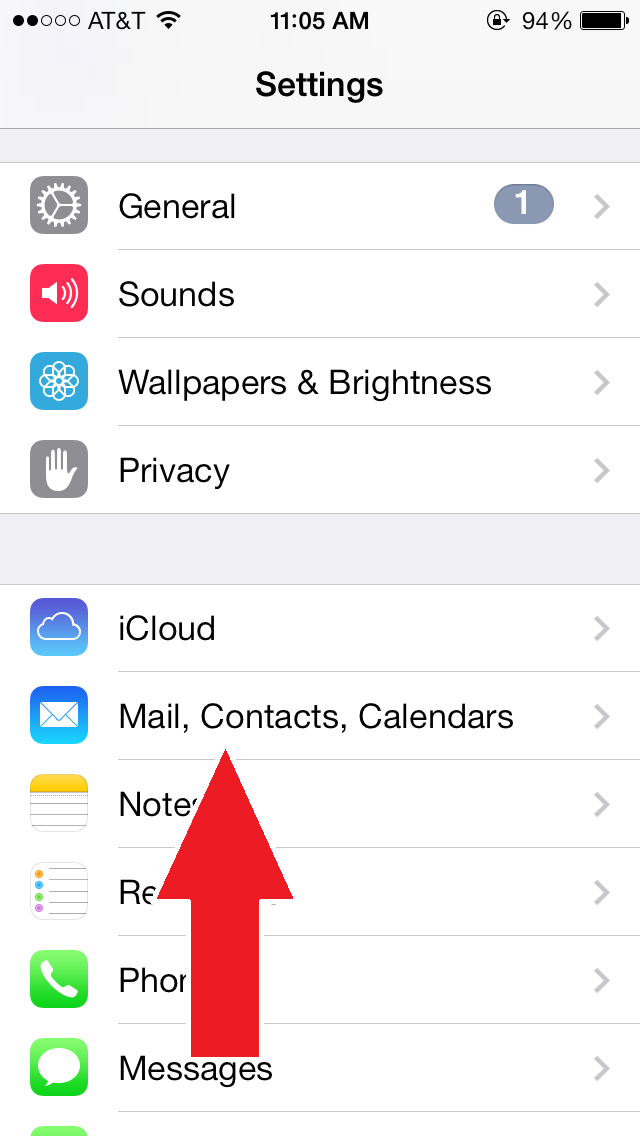
Then scroll down and click the "Mail, Contacts, Calenders" options
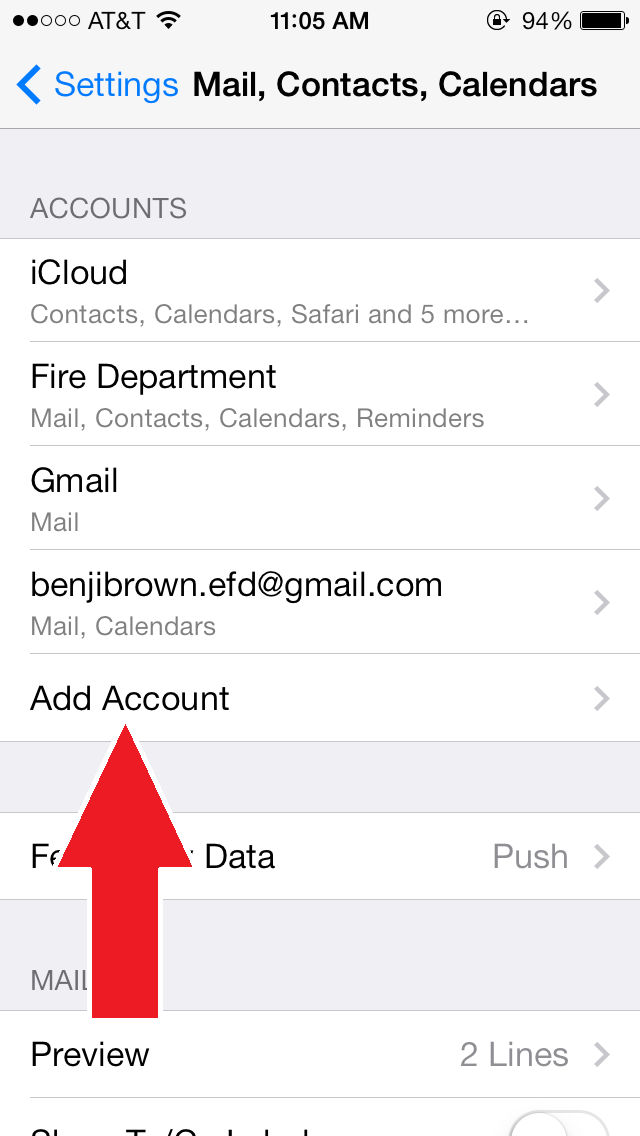
Look for the "Add Account" option
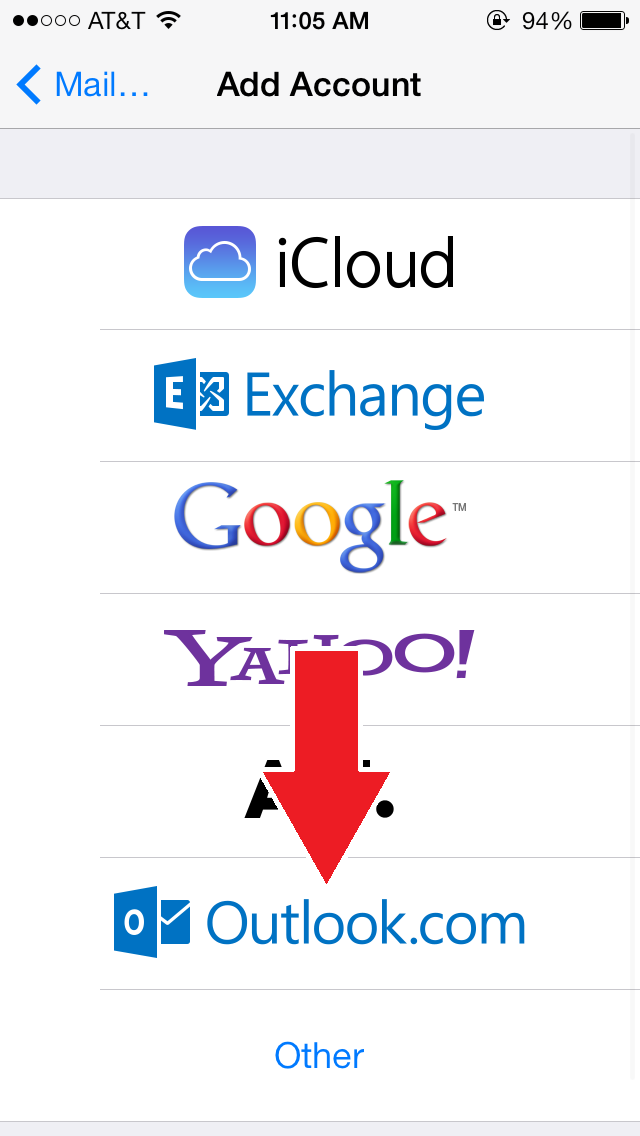
Pick Outlook.com
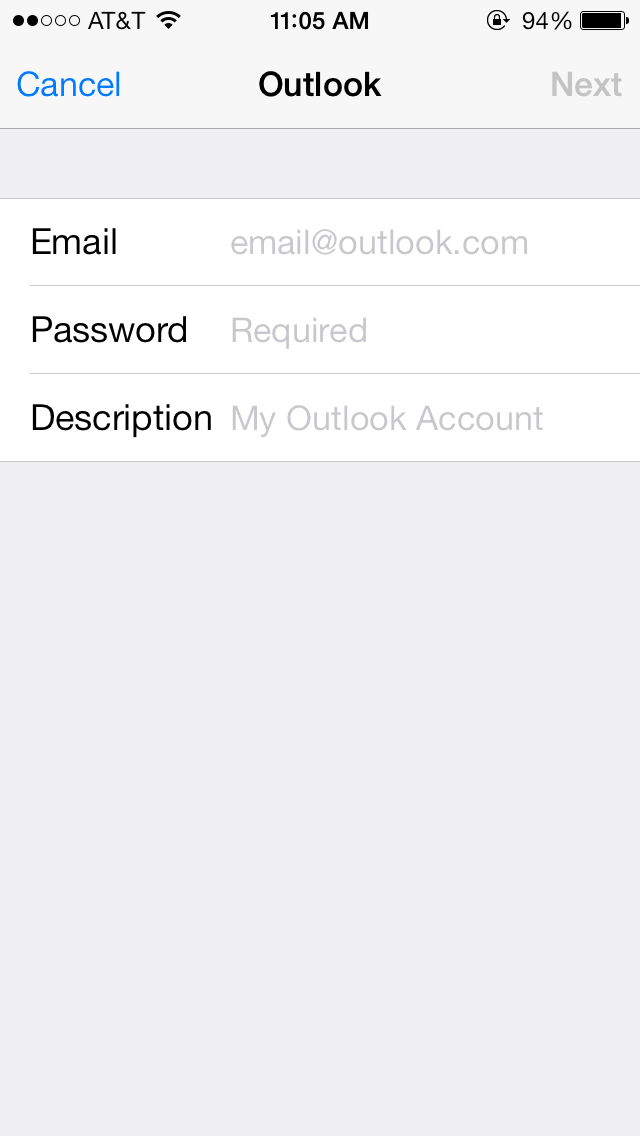
Sign in with your fire department email address and password. The Description is what this account will be called on your phone. I set mine as Fire Department.
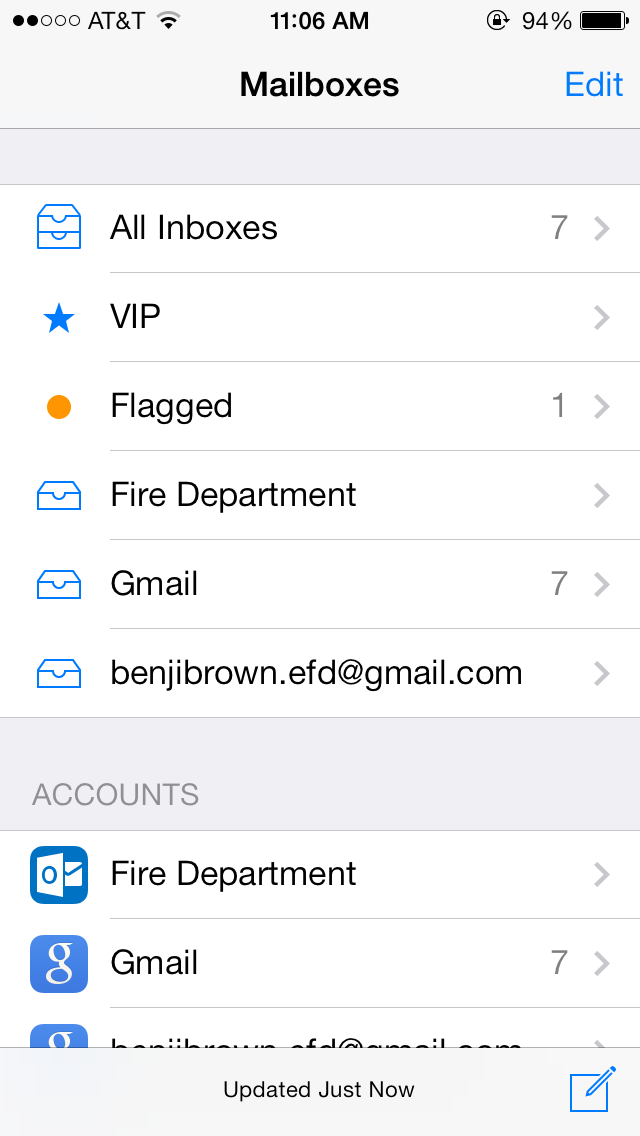
Now if you go back to your home screen and select the Mail app your new email address will appear, and will auto check for new mail every 15 to 30 minutes depending on your settings

Email Setup
Step by step, how to setup your department email address.
At the top of any eldoradofire.org page there should be...
Step by step, how to setup your department email address.
At the top of any eldoradofire.org page there should be a mail link that looks like this.
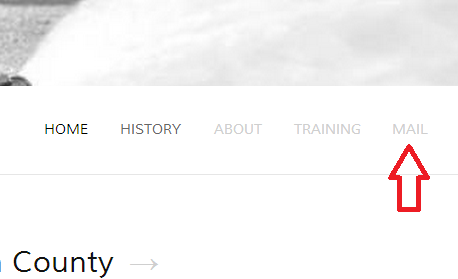
It will take you to the email log in screen
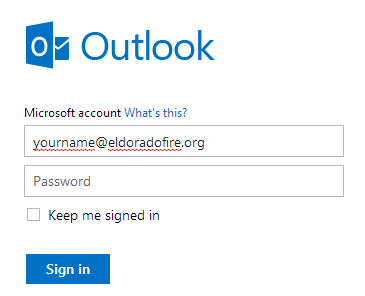
Log in with: yourname@eldoradofire.org
Default Password is: eldoradofire
You'll be prompted to change your password as soon as you log in. Once you've changed your password and answered the security question the setup is done!
Here are a few tips on how to tweak your inbox look and feel.
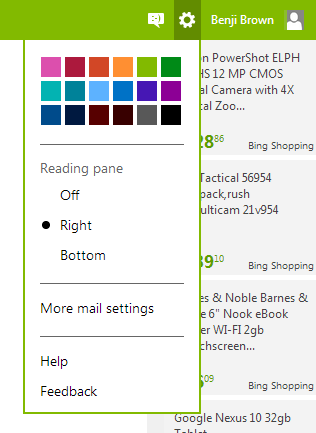
Click the Gear icon in the top right corner of your inbox to change the look of your inbox ( I find it a lot easier to navigate with the, Reading Pane - Right, option selected )
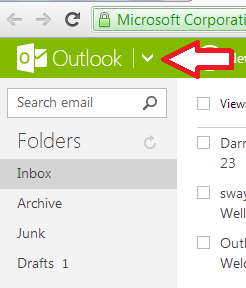
And don't forget to checkout the Calender and Skydrive tools that come with your new account. Click the down arrow next to Outlook in the top left corner to access these.
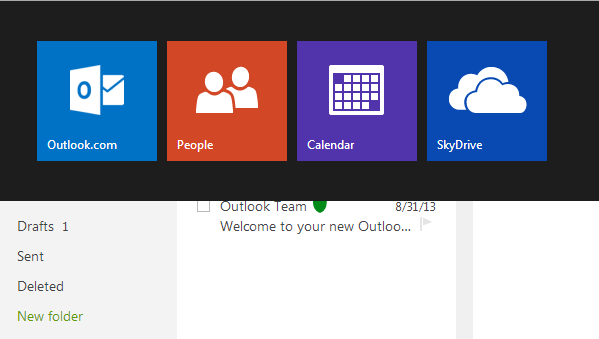
And checkout the Skydrive tutorial for more information how to use the tools.